DVR
A Digital Video Recorder is commonly paired with compatible analog or analog-HD cameras and coaxial video connections.
Configure dependable camera recording, hard-drive storage, playback, display output and compatible remote viewing with the correct recorder capacity.
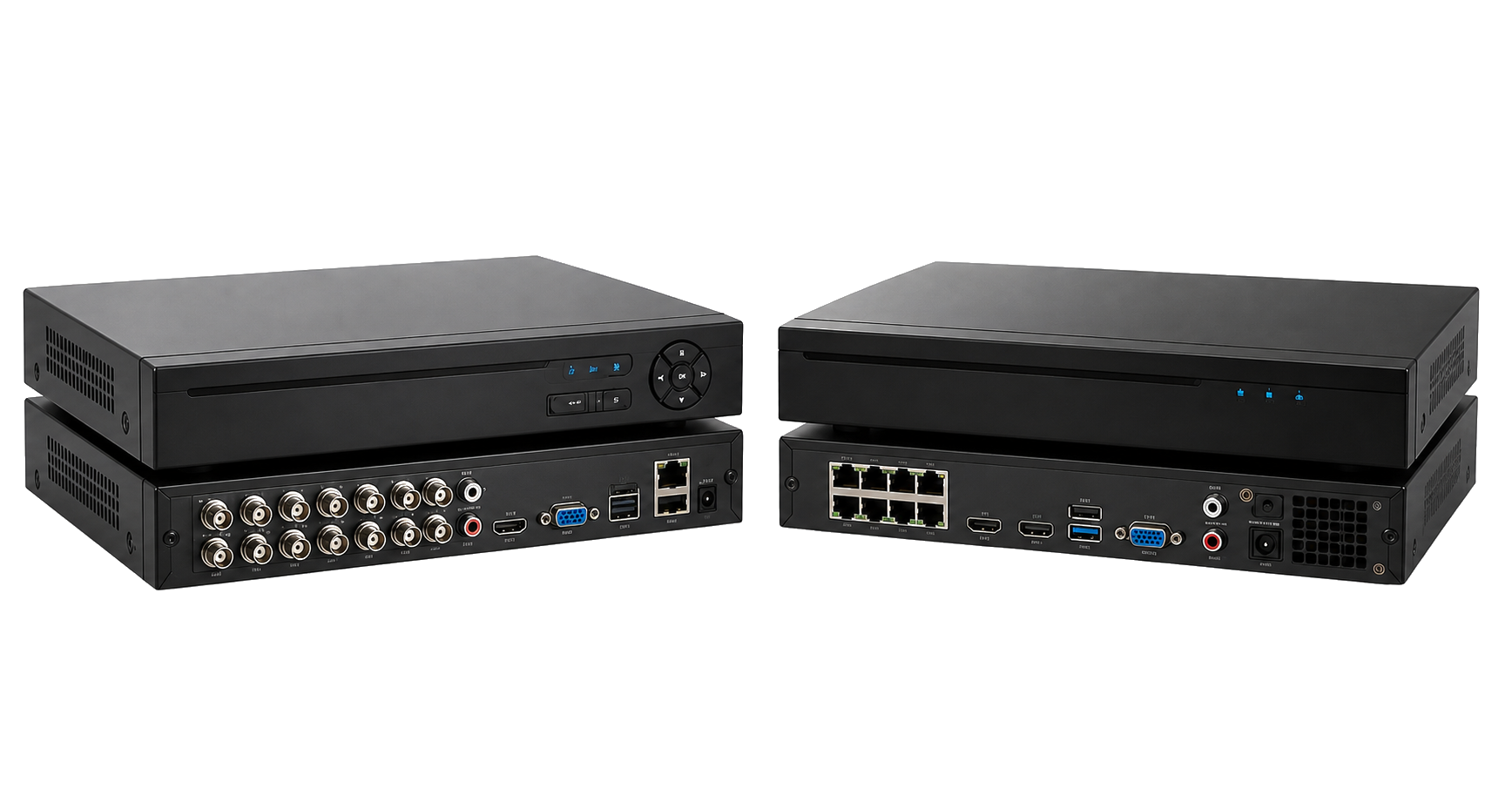
A recorder must be compatible with the camera type, resolution and connection method. DVR systems are generally used with compatible analog HD cameras connected through coaxial cable. NVR systems work with IP cameras connected through a network, and compatible PoE systems can carry power and data through Ethernet.
Storage requirements depend on camera count, resolution, frame rate, recording schedule, compression and desired backup duration. We explain suitable channel and hard-drive options before setup rather than guessing capacity.
A Digital Video Recorder is commonly paired with compatible analog or analog-HD cameras and coaxial video connections.
A Network Video Recorder receives digital video from compatible IP cameras through an Ethernet network.
The correct hard-drive capacity is calculated from camera quantity, resolution and the number of recording days required.
Camera type, channels and recorder support are checked.
Hard-drive capacity and recording mode are planned.
Channels, time, recording and network settings are completed.
Live view, playback and supported remote access are tested.
Choose according to your camera technology and cabling. Existing analog-HD systems commonly use DVRs, while IP camera systems use NVRs.
Backup duration varies with hard-drive capacity, camera count, resolution, compression, frame rate and recording mode.
Compatible recorders can support secure mobile access when network settings, internet and the manufacturer application are properly configured.
Share your camera type and required recording duration.